recycling equipment
How To Use The Shredder In The Walking Trade
To use the shredder in The Walking Trade, open its production interface, select the intended output, load a small batch, and confirm the result before bulk processing. A Steam discussion confirms one important mistake: hardwood-plank production can be accidentally disabled by clicking the hardwood-plank entry.
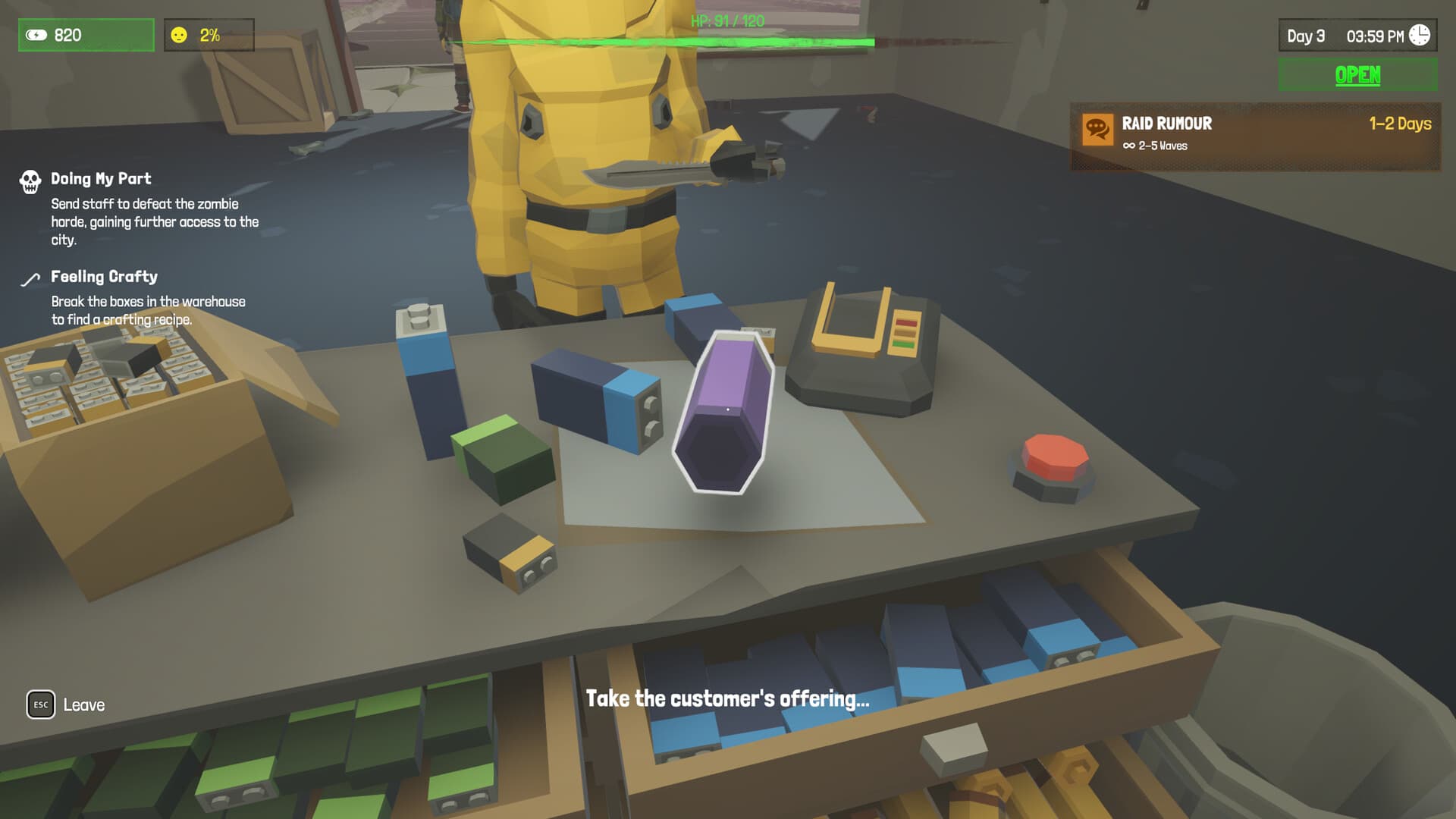
Check Output Before Loading
The shredder can change materials rather than simply destroy them. That makes output selection the most important step; a clicked entry can enable or disable production.
The hardwood-plank discussion gives a concrete example: a player could not obtain hardwood planks because the hardwood-plank entry in the shredder had been toggled off.
Before adding more input, confirm that the desired output is highlighted or selected, storage has space and no staff action is interrupting the machine.
Test With Small Batches
Use a small controlled batch when learning a new material. This helps you identify whether the input, output setting or storage path caused a problem.
A complete public conversion table was not verified during research. Treat any claim about exact input-to-output ratios as Pending confirmation.
Keep raw inputs and finished products in separate storage groups. This makes a failed batch obvious and reduces accidental sale of crafting inputs.
Fit The Shredder Into Production
Use the shredder to support confirmed needs: planks for construction, materials for crafting stations or inputs for sellable goods.
Rooftop Farming confirms that construction and upgrades require supplied materials, so do not shred scarce items needed for the roof or defense.
If staff handle materials, pause during a shortage and audit the shredder manually. Human and machine actions can otherwise make it hard to tell where a resource disappeared.
Detailed steps
- 01
Open the shredder UI
Inspect the machine's output list before processing anything.
- 02
Select the output
Confirm the desired product, such as hardwood planks, is enabled.
- 03
Load a small batch
Process one controlled amount first.
- 04
Verify storage
Confirm output arrived and record any conversion result.
- 05
Scale carefully
Only then process larger batches while preserving construction materials.
Conditions & requirements
| Item | Requirement | Status |
|---|---|---|
| Hardwood planks | Hardwood-plank output enabled in the shredder | Community-confirmed failure state |
| Safe conversion | Test batch and storage space | Practical safeguard; ratios Pending confirmation |
| Construction supply | Reserve materials for upgrades and rooftop plots | Confirmed demand; exact costs Pending confirmation |
FAQ
Why is my shredder not making planks?
A documented cause is accidentally disabling hardwood-plank production in the shredder interface.
What are the conversion rates?
A complete verified conversion table is Pending confirmation.
Can the shredder destroy needed materials?
Test small batches and reserve items listed by crafting, defense or rooftop projects.
Can staff use it automatically?
Automation behavior is not fully documented here, so audit the machine during shortages.
Pending confirmation
- Complete input-output table
- Machine capacity and processing time
- Automation and staff interaction rules
Sources
- Steam Community: Unable to obtain hardwood plankscommunity · 2026-10-05
- Rooftop Farming patch notesofficial patch · 2026-10-05
- Official Steam Storeofficial · 2026-10-05