store operations
How To Keep Shelves Stocked In The Walking Trade
To keep shelves stocked in The Walking Trade, build a repeatable loop: organize storage, identify sellable goods, send hired survivors to scavenge, reserve stock for crafting or upgrades, and return items to reachable shelves before customers clear them. Steam confirms survivors can scavenge and serve customers, but exact restock rates are Pending confirmation.
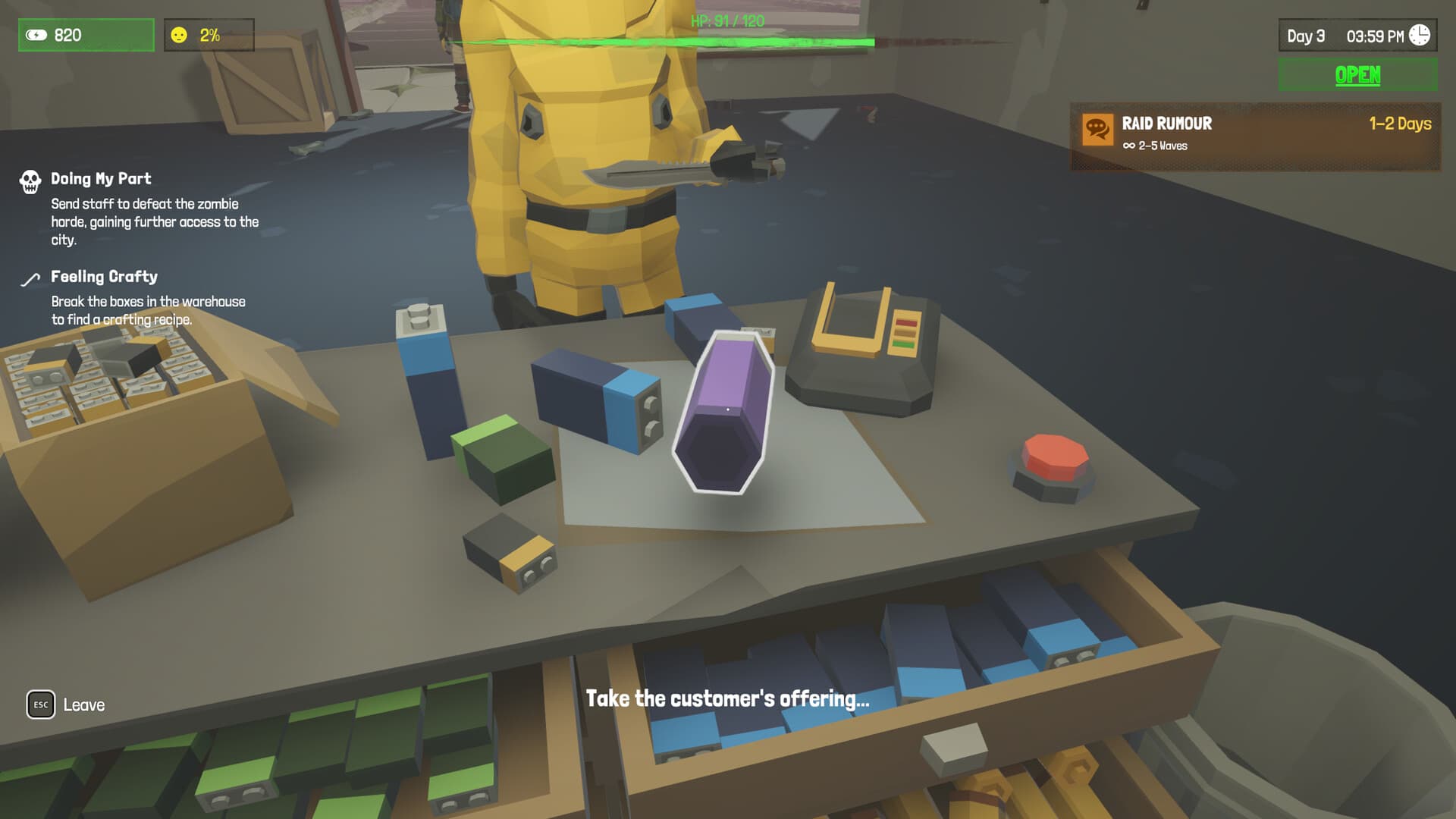
Build The Supply Loop
A stocked shelf is the end of a loop that begins with scavenging or crafting. Steam's official description says you can organize merchandise, hire survivors and send them to scavenge supplies.
Separate raw salvage, sellable goods and reserved construction materials. If everything sits in one pile, you cannot tell whether the shop lacks goods, workers, storage space or a delivery route.
Watch the point where the loop fails. Goods piling up in storage means shelving or staff service is the problem; empty storage means scavenging or production is the problem.
Use Survivors Without Blocking Sales
Official copy says survivors can scavenge, serve customers or guard the shop. These roles compete for the same people, so staffing should follow the current bottleneck.
If customers leave because shelves are reachable but empty, prioritize scavenging and restocking. If goods exist but nobody serves, shift a survivor to customer service.
Guarding becomes more important before or after raids, but do not remove every scavenger. The exact minimum safe staff count depends on your layout and is Pending confirmation.
Prevent Empty-Shelf Days
Keep a small buffer of high-demand goods rather than placing every item immediately. A buffer absorbs a failed scavenging trip or a crafting detour.
Store construction and weapon materials separately from stock. Upgrades and rooftop farming can quietly consume materials needed to keep your shop operating.
Check shelves after raids, staff changes and update installs. The latest researched patch is v1.2.8, so layouts or automation behavior may change after future updates.
Pasos detallados
- 01
Audit storage
Separate sellable stock, raw salvage, medicine, weapons and construction materials.
- 02
Identify demand
Watch which shelves empty first and which goods remain unsold.
- 03
Assign scavenging
Use survivors for background supply collection while enough staff remain to serve.
- 04
Prepare shelves
Keep goods reachable and reserve the fastest-moving items as a buffer.
- 05
Rebalance after activity
Check stock after trading, raids, crafting and rooftop projects.
Condiciones y requisitos
| Item | Requirement | Estado |
|---|---|---|
| Survivor scavenging | Hire a survivor and assign the scavenge role | Confirmed by Steam |
| Customer service | Assign survivors to serve customers | Confirmed by Steam |
| Storage capacity | Build storage before scavenging outpaces shelf space | Confirmed system; capacities Pending confirmation |
| Exact restock interval | Verified in-game timing or official documentation | Pending confirmation |
FAQ
Why do my shelves empty so quickly?
Treat it as demand outpacing the supply loop: add scavengers, reserve buffers and improve the path from storage to shelves.
Can employees restock automatically?
Steam confirms survivors can serve customers and scavenge, but exact automation behavior is Pending confirmation.
How much stock should I keep?
This wiki does not publish invented quantities. Use a small buffer and adjust from your observed customer demand.
Should I sell construction materials?
Avoid selling items needed for confirmed upgrades, defenses or rooftop farming without checking in-game requirements.
Pendiente de confirmación
- Automatic restocking behavior
- Stock capacity and customer demand values
- Best shelf layout for every store size
Fuentes
- Official Steam Storeofficial · 2026-10-05
- Official Steam Communityofficial platform · 2026-10-05